Quick start
Why Jailrun?
A typical application is not a single service but a set — an API with a reverse proxy, a database, a cache — all need to be properly wired together over a shared network. But services running on the same base system is a fragile setup. They may depend on different versions of a library, compete for ports, or interfere with each other's configuration, leading to a growing pile of messy state. How do you isolate them?
Jailrun lets you describe your services in a declarative config file and brings the system to the desired state. Under the hood, it boots a FreeBSD virtual machine on your host using QEMU with hardware acceleration to provision each service in its own jail, and exposes a set of powerful tools to wire and manage them.
What is a jail?
A jail is a self-contained environment running inside FreeBSD. Each jail is isolated from the host and from other jails, with its own filesystem, network, and processes.
Jails are a native FreeBSD feature. They are fast to create, cheap to run, and easy to destroy and recreate from scratch. FreeBSD jails are one of the most proven isolation technologies in computing, and Jailrun makes them accessible from macOS, Linux, and FreeBSD itself.
graph TB
  subgraph HOST["Your Host — macOS / Linux / FreeBSD"]
    JRUN["Jailrun"]
    subgraph VM["FreeBSD VM — QEMU"]
      subgraph J1["jail: fastapi"]
        P1["uvicorn :8000"]
        M1["supervisor"]
      end
      subgraph J2["jail: postgres"]
        P2["postgresql :5432"]
        M2["supervisor"]
      end
      subgraph J3["jail: redis"]
        P3["redis :6379"]
        M3["supervisor"]
      end
    end
  end
  JRUN --> VM
Start and bring it up
Create a file called web.ucl:
jail "http-server" {
  forward {
    http { host = 7777; jail = 8080; }
  }
  mount {
    src { host = "."; jail = "/srv/project"; }
  }
  exec {
    server {
      cmd = "python3.13 -m http.server 8080";
      dir = "/srv/project";
    }
  }
}
This declares a jail that mounts your current directory, forwards port 7777 to 8080, and runs a supervised Python HTTP server inside.
Launch the interactive shell:
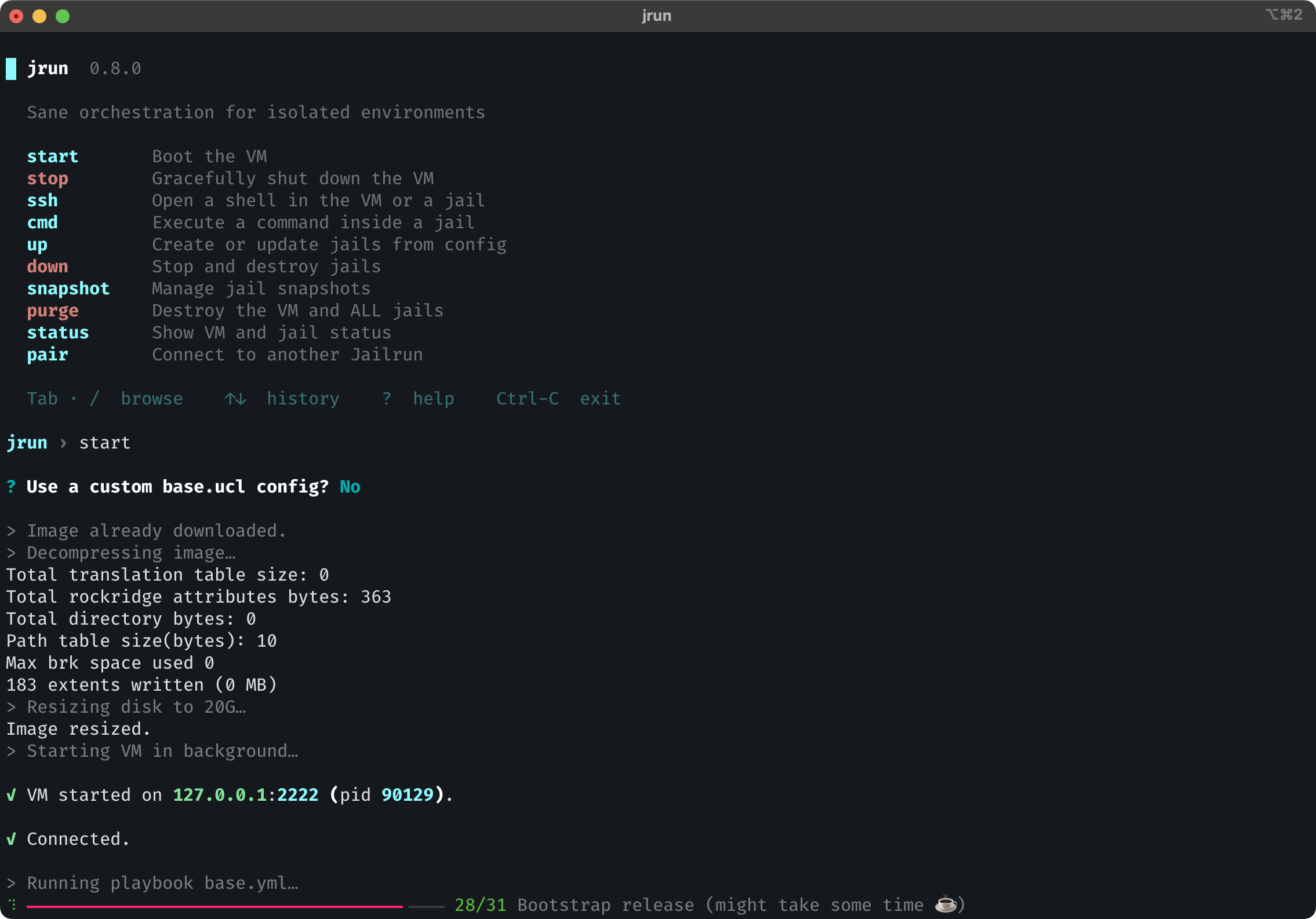
From here, select start to boot the VM. On first run it downloads the FreeBSD image and bootstraps the base system:
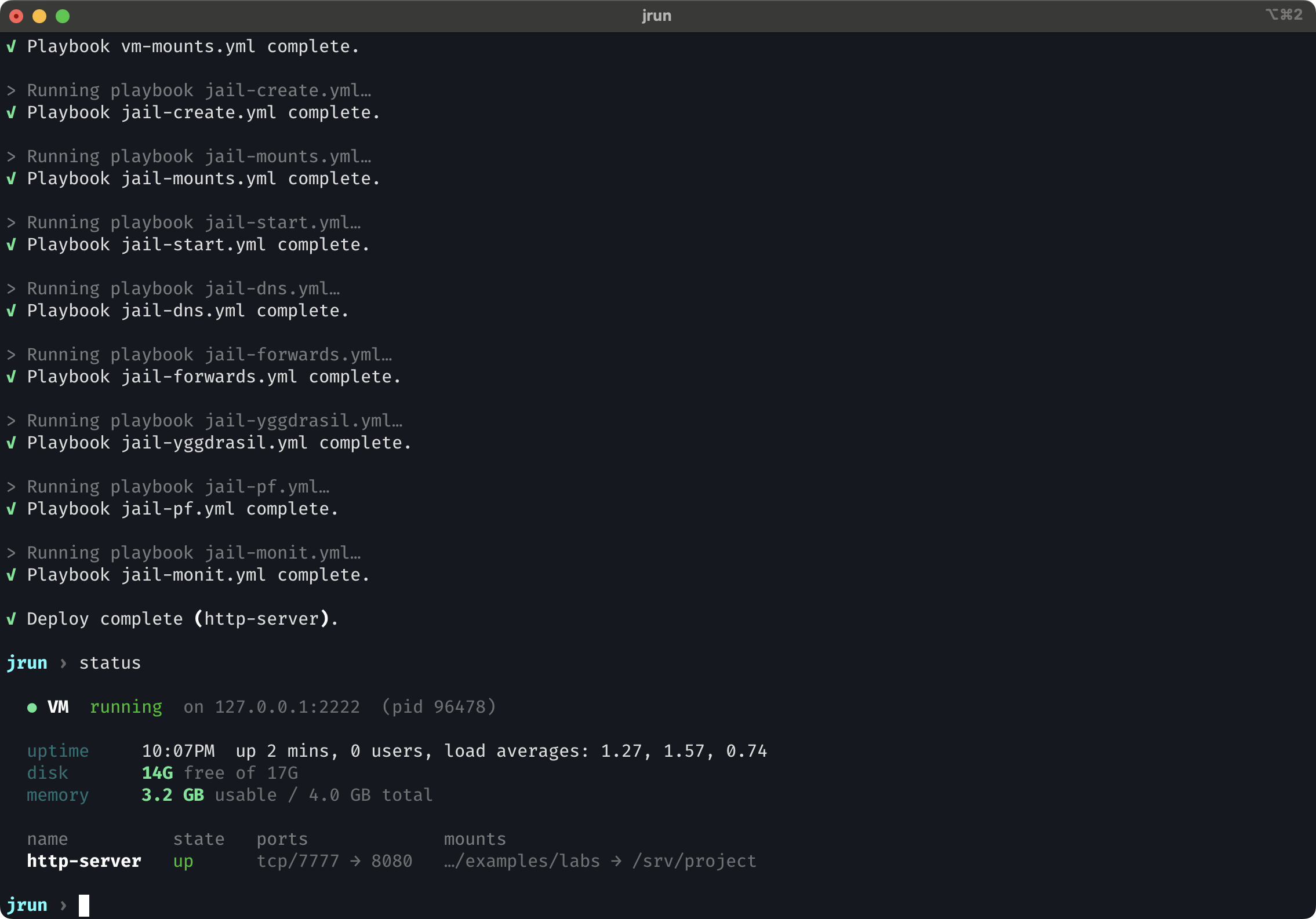
Once the VM is running, select up and pick your config file to deploy the jail. Jailrun creates the jail, mounts your code, wires up the ports, and starts the supervised processes.
If you change the config later — like changing a forwarded port or mounting another directory — just run up again.
Smoke test
You should see your project files served back.
Check status
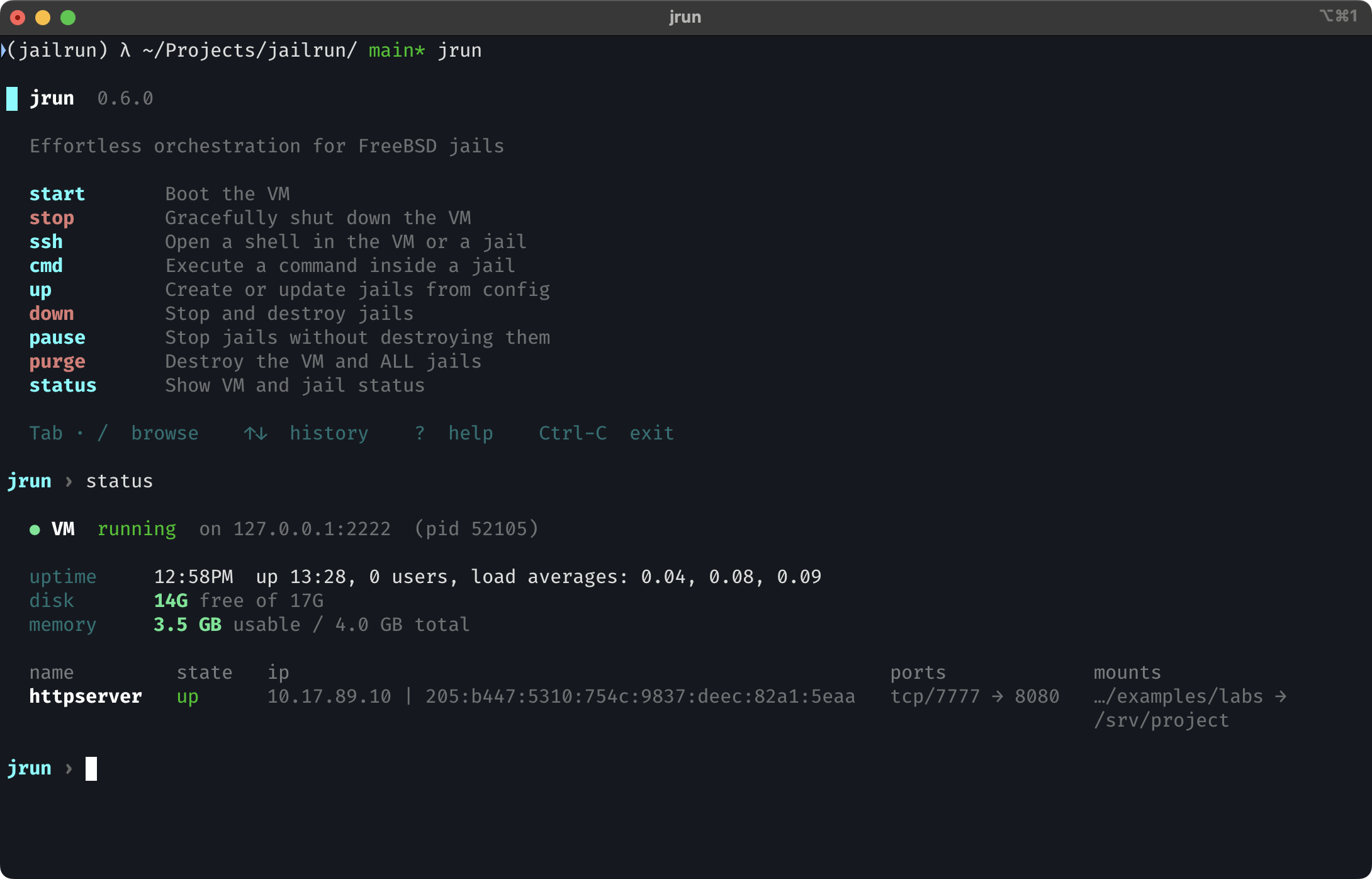
Select status from the shell:
Interactive shell
The interactive shell provides guided wizards, autocomplete, and command history — it walks you through everything jrun can do.
Tip
If you prefer scripting or already know the command you need, every action is also available directly — e.g. jrun start, jrun up web.ucl, jrun status. See CLI reference for the full list.